Connect Google Calendar to Gryzzly

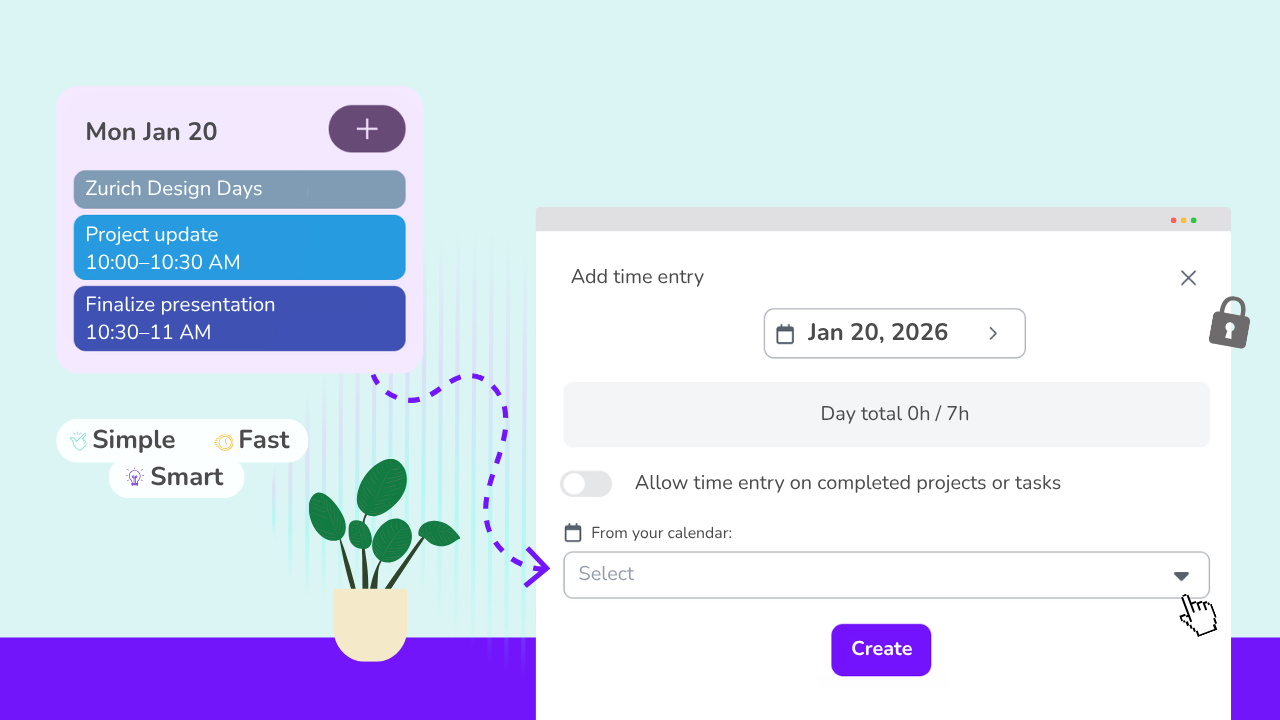
Your calendar already reflects how your day is structured: client meetings, workshops, internal syncs, and travel.
Time tracking, on the other hand, often requires you to reconstruct that same day manually.
Gryzzly connects both.
You can now link your calendar events to your projects in Gryzzly and let the tool learn from your habits over time.
How it works
1. Connect your calendar
From the app, go to Administration > My account > Integrations and connect your Google Calendar in just a few seconds.
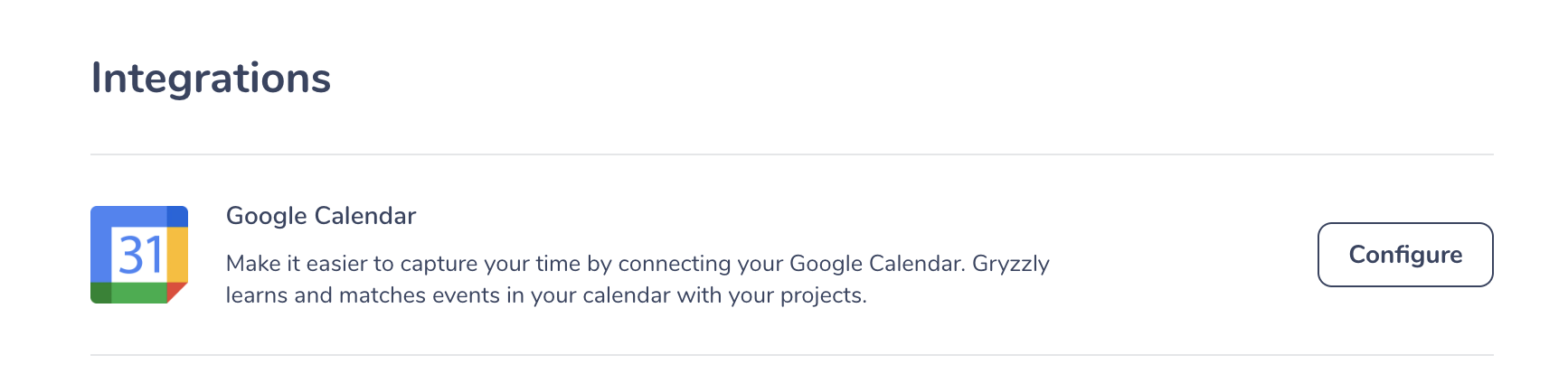
Once connected, your events are automatically synced.
You can then choose which calendars and event types you want to include.
The connection is secure and can be disabled at any time.
2. Link your events to your projects
When logging time, an additional field allows you to select one or more events from your calendar.
You can associate them with a project or task as usual. No specific naming format is required for your events.
3. Let Gryzzly learn from your habits
Over time, Gryzzly identifies recurring patterns in how you link events to projects.
If a type of meeting is consistently associated with the same project, it will be suggested automatically in future entries.
Simply select the event — your time entry is pre-filled.
There’s no need to define naming conventions or change the way your team works.