Roles and permissions
Written by

Published on
5/13/26
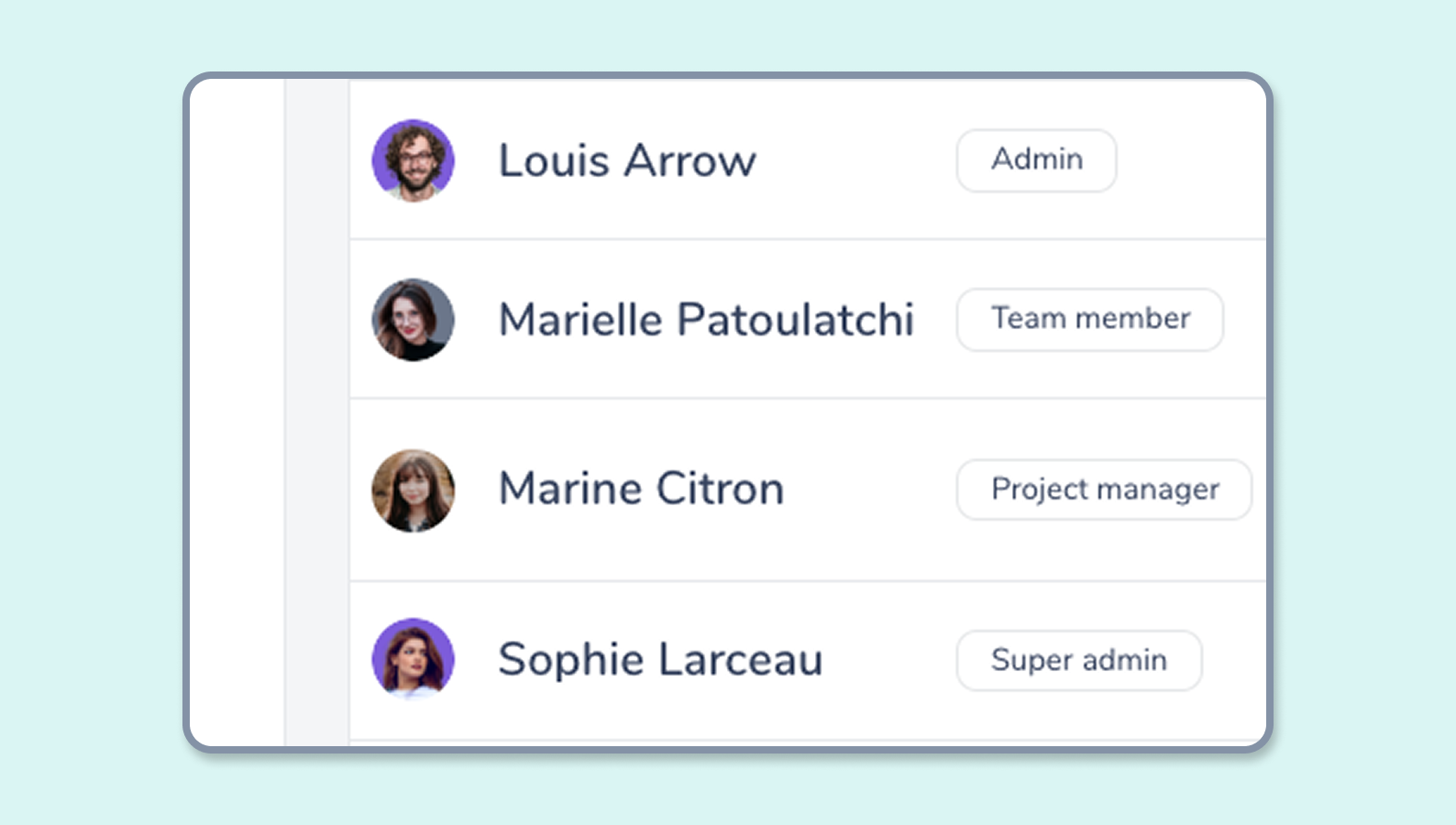
Available roles
Gryzzly offers 5 roles, from most to least privileged:
| Roles | Descriptions |
|---|---|
| Super Admin | Full control of the application. |
| Admin | Can do anything except access the subscription page. |
| Manager | Can manage customers, projects and users. Cannot access user costs. |
| Team Member | Can see their projects, create time entries and leaves. |
| Contributor | Can create time entries and leaves. |
Permissions overview
General workspace
| Feature | Super Admin | Admin | Manager | Team Member | Contributor |
|---|---|---|---|---|---|
| Add users | X | X | |||
| Assign work schedule | X | X | |||
| Assign hourly cost and rate | X | X | |||
| General workspace settings | X | X | |||
| Create teams | X | X | |||
| Create tags | X | X | |||
| Team alerts | X | X | X | ||
| Project alerts | X | X | X | ||
| Connectors | X | X | |||
| Subscription | X | ||||
| Imports | X | X | X | ||
| Exports | X | X | X |
Projects
| Feature | Super Admin | Admin | Manager | Team Member | Contributor |
|---|---|---|---|---|---|
| Access project view | X | X | X | X | |
| View project details | X | X | X | X | |
| Create projects | X | X | X | ||
| Edit project | X | X | X *if project owner | ||
| Assign project manager. | X | X | X *if project owner | ||
| Access time indicators | X | X | X | X | |
| Access sold budget indicators | X | X | X *if project owner | ||
| Access costs on tasks | X | X | X *if project owner | ||
| Access costs on time entries | X | X | |||
| Access project time entries | X | X | X *if project owner | ||
| Access project analytics | X | X | X *if project owner |
| Feature | Super Admin | Admin | Manager | Team Member | Contributor |
|---|---|---|---|---|---|
| Create projects | X | X | X | ||
| Assign project manager | X | X | X | ||
| Access time indicators | X | X | X | ||
| Access sold budget indicators | X | X | X | ||
| Access cost information | X | X | |||
| Access time entries on projects | X | X | X | ||
| Access project analysis | X | X | X |
Clients
| Feature | Super Admin | Admin | Manager | Team Member | Contributor |
|---|---|---|---|---|---|
| Access client view | X | X | |||
| Create a client | X | X | |||
| Assign a client manager | X | X | |||
| Access client portfolio | X | X | |||
| Access client budget indicators | X | X |
Teams
| Feature | Super Admin | Admin | Manager | Team Member | Contributor |
|---|---|---|---|---|---|
| Control time entries | X | X | X *for their team | ||
| View timesheets | X | X | X *for their team | ||
| Be a team lead | X | X | X | ||
| Access timesheets | X | X | X *for their team | ||
| Edit time entries | X | X | X *for their team | ||
| Approve time entries | X | X | X *for their team | ||
| Create absences | X | X | X *for their team | ||
| Send time entry reminders | X | X | X *for their team | ||
| Team reporting | X | X | X *for their team |
Time entries
| Feature | Super Admin | Admin | Manager | Team Member | Contributor |
|---|---|---|---|---|---|
| Create new time entries | X | X | X | X | X |
| Edit own time entries | X | X | X | X |
Absences
| Feature | Super Admin | Admin | Manager | Team Member | Contributor |
|---|---|---|---|---|---|
| Create own absences | X | X | X | X | X |
| Edit own absences | X | X | X | X |